---
name: "Calendar Blocker"
description: "User wants to block time on their calendar and handle affected meetings.
Triggers: \"clear my calendar\", \"block Saturday\", \"I'm delayed until Thursday\",
\"I won't be available\", \"cancel my afternoon\", \"I need to reschedule everything\"
"
requiredApps: [google_calendar, gmail]
---

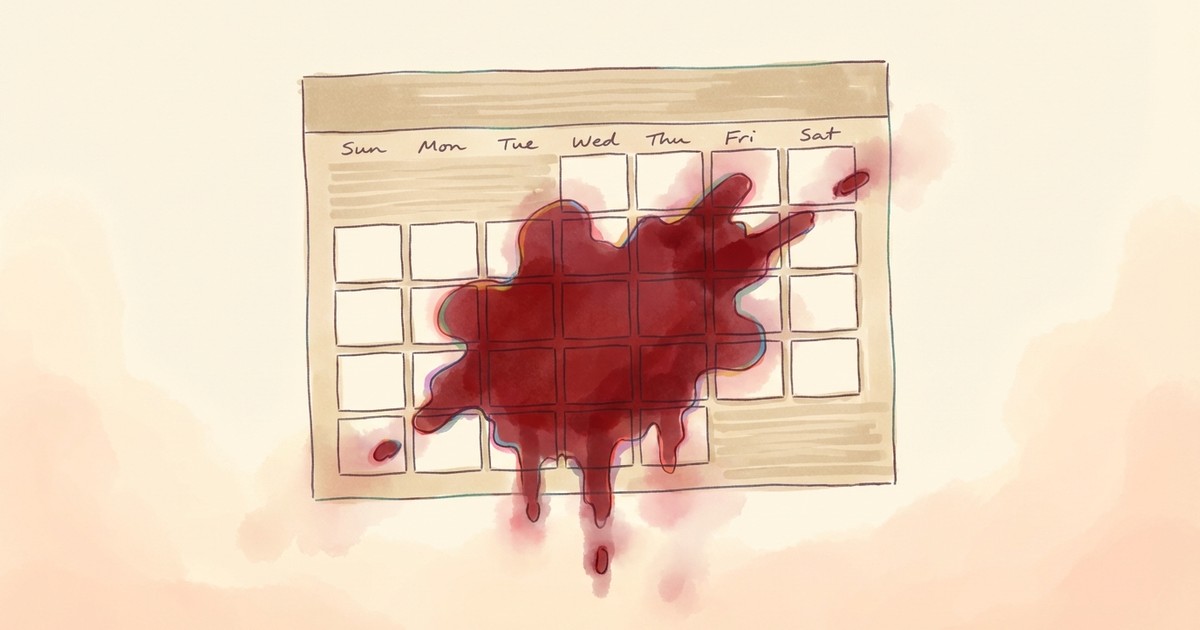
Block time on your calendar and let me handle the fallout. Tell me when you'll be unavailable - "clear Saturday", "I'm delayed until Thursday evening", "block tomorrow afternoon" - and I'll find every affected meeting, draft notifications to the right people, and update your calendar.

For each meeting in your blocked window, I'll suggest the right action: reschedule important 1:1s, decline optional standups, send professional apologies to external contacts. You review and approve each notification before it goes out. Then I'll add a blocking event so nothing else gets scheduled.


**Limitations:** Cannot check other people's calendars for rescheduling availability. Handles primary calendar only.


## Skills

This skill depends on the following skills. Use these if needed.

**Calendar Reader**
When: Fetch events in the blocked time window
Follow the instructions in: `skills/sauna/calendar.block.handler/references/skills/calendar.google.reader/SKILL.md`

**google_calendar**
When: Create blocking event and update/cancel meetings
Follow the instructions in: `skills/sauna/calendar.block.handler/references/skills/calendar.google.events/SKILL.md`

**Gmail Discovery**
When: Capture user's writing style if not already set up
Follow the instructions in: `skills/sauna/calendar.block.handler/references/skills/gmail.inbox.discovery/SKILL.md`

**Gmail Draft Composer**
When: Draft notification emails to affected attendees
Follow the instructions in: `skills/sauna/calendar.block.handler/references/skills/gmail.draft.composer/SKILL.md`

**Time Mastery**
When: Parse flexible time expressions like 'Thursday evening'
Follow the instructions in: `skills/sauna/calendar.block.handler/references/skills/world.time.mastery/SKILL.md`


## Tasks

These are tasks you can execute. Read the task file to get your instructions:

**Analyze Block Disruption**
When: User wants to preview disruption before committing to a block
Follow the instructions in: `skills/sauna/calendar.block.handler/references/recipes/calendar.block.analyze.md`

**Block Calendar Time**
When: User wants to block time and handle affected meetings
Follow the instructions in: `skills/sauna/calendar.block.handler/references/recipes/calendar.block.handle.md`


## State

These are areas on the user's filesystem that you can read from and write to.

**Service Profiles**
When: Check user's timezone and contact context
Use this directory: `documents/user/services/*.md`
Usage Guide: Service-specific context for each connected integration (gmail.md, slack.md, notion.md). Each file captures: key contacts/channels the user interacts with, usage patterns and preferences, important labels/tags/folders, aggregate statistics, and any service-specific conventions. Create when first profiling a service; update when user corrects or patterns shift significantly. Don't duplicate raw API data—summarize what matters for task execution. Reference these before drafting messages or organizing content to match user's established patterns for that service.

**User Analysis Results**
When: Match user's email tone and greetings (file: writing-style.md)
Use this directory: `documents/user/analysis/*.md`
Usage Guide: Personality and style analysis results. Each analysis type gets its own file: enneagram.md (type, wing, scores), compass.md (political position, ideology), writing-style.md (tone, formality, patterns by service), mbti.md, etc.
CREATE when user completes an assessment or analysis task. OVERWRITE on retake for assessments (enneagram, compass). UPDATE incrementally for observed patterns (writing style). Include source attribution for automatically discovered patterns.
File naming: lowercase analysis type with hyphens (e.g., writing-style.md).